
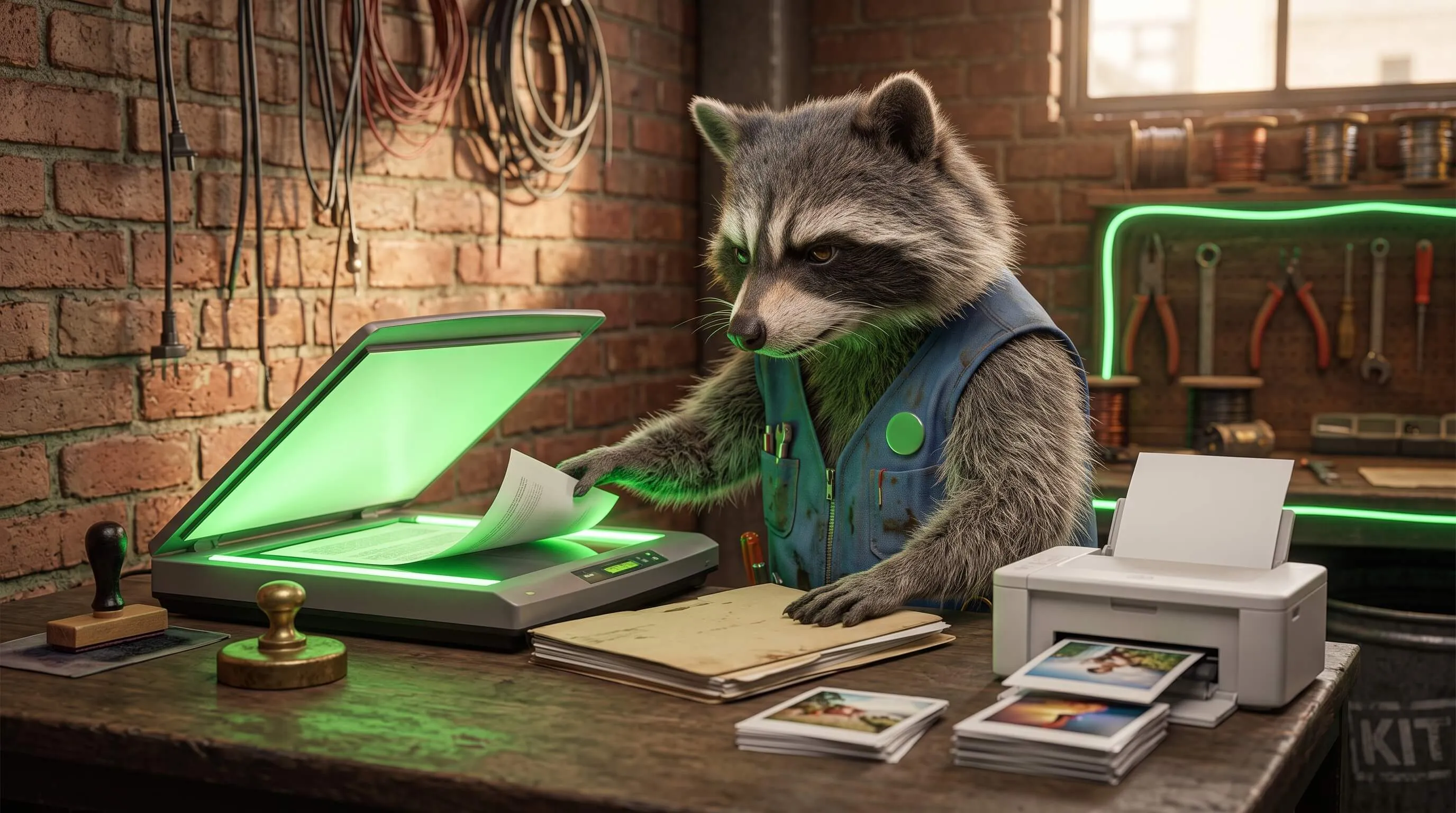
PDF to JPG
How to convert PDF to JPG without uploading
- Add one .pdf or a pile. Files stay in this tab.
- Each page is drawn here and written as a JPEG.
- Save the JPGs, or a zip if there is more than one page.
The original stays on disk. You download new pictures. Close the tab and the working copies are gone from memory.
Why a PDF still needs a JPEG
Forms, listings, and chat apps want a photo. A PDF is a document. The usual converter takes the file — fine for a flyer, wrong for a lease, a passport scan, or a kid’s homework.
This tab paints each page and writes a JPEG. Text PDFs become pictures of the page. Scanned pages stay pictures. We do not read the words out. That is a different job.
Each page becomes a picture. This is not OCR — we do not extract text. Password-locked files stay locked. This tab stops at 40 pages so the browser does not melt.
Other doors: PDF to PNG · Images to PDF · PDF to JPG note · Is an online convert safe? · This is not OCR · all converters.
PDF to JPG FAQ
Do you upload my PDF?
No. The file is read and painted in this tab. TrashPandaKit never receives the document.
Is this OCR? Can I copy the text?
No. Each page becomes a picture. The words are pixels in the JPEG. We do not extract text.
What about a password-protected PDF?
It stays locked. We do not unlock files. Remove the password in the app that made the PDF, then drop it here.
How many pages can I convert?
Forty in one drop. A longer document will melt a tab. Split it first, or convert a shorter file.
Can I turn images into a PDF instead?
Yes — that is the other direction. Use Images to PDF.
Does this work offline?
Yes, after you have opened this tool once. That tool stays cached on this device. Other tools download when you open them.