
A PDF is often the file you would not email a stranger: a lease, a passport scan, a bank letter, a kid’s homework. The first result for “PDF to JPG” still wants that file on their server.
You do not need to give it to them.
What “online converter” usually means
The page looks like a drop zone. The file leaves the tab. Their machine paints the pages. They send pictures back. For a flyer, that is convenient. For a document with a name, an address, or a face, it is a copy you cannot take back.
Some of those sites are fine. You still do not get to audit the disk. Privacy policies do not make a lease disappear.
What a safe convert looks like
The browser can paint a PDF. That is a local library and a canvas. Nothing about that job requires a server.
Green flags:
- No account, no “cloud convert,” no email to get the download
- The address says the file stays in this tab, and the page still works after you go offline
- Close the tab and the working copy is gone — because it never left
Red flags:
- Upload progress, a queue, or “processing on our servers”
- A native installer for a browser job
- They want the PDF attached to a support ticket
Do it in this tab
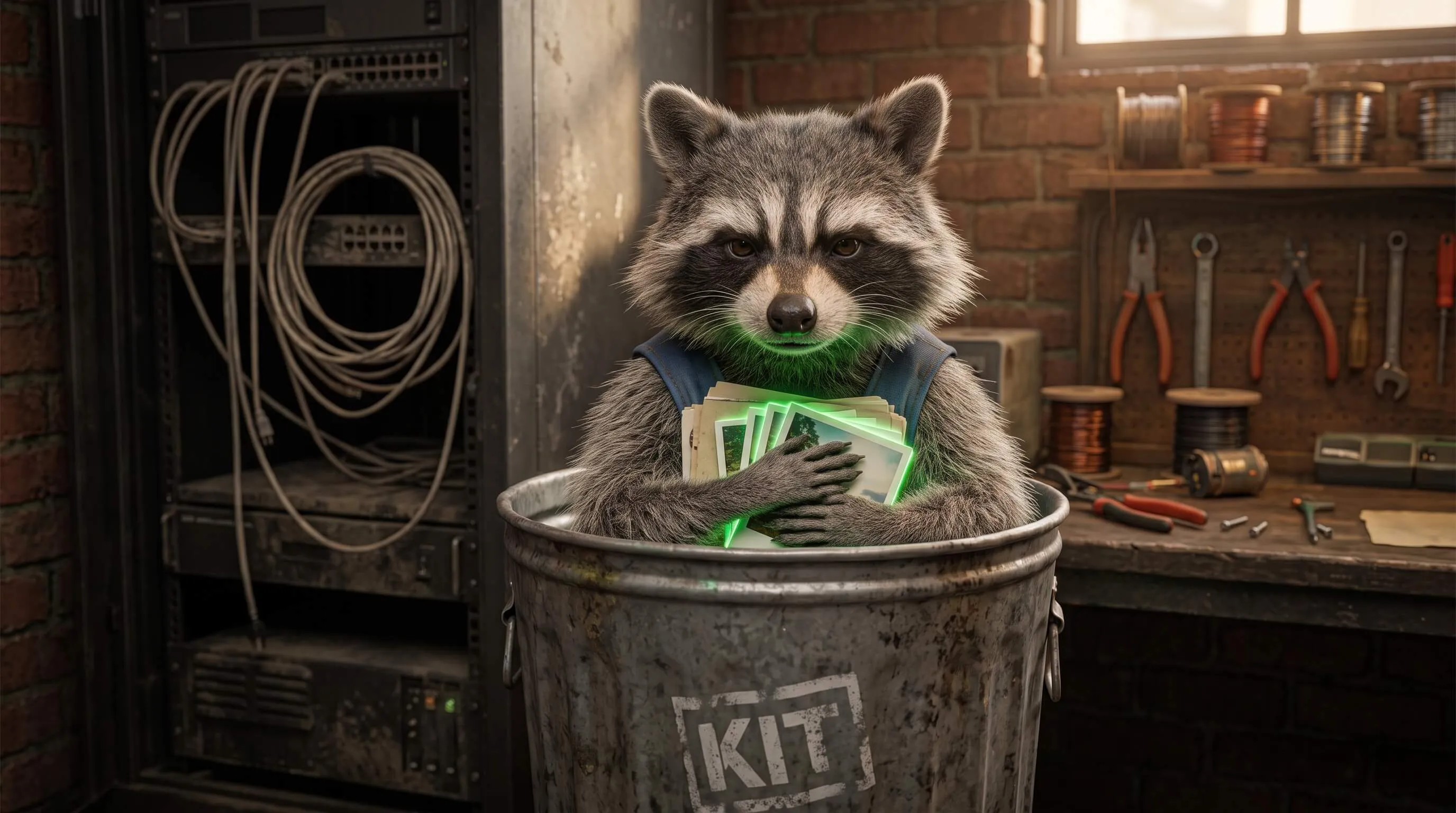
PDF to JPG reads the file here and writes one JPEG per page. PDF to PNG is the same machine, lossless. Nothing is sent to TrashPandaKit.
Password-locked files stay locked. We do not unlock documents. That is not a teaser. It is the same contract: we never receive the file, so we cannot “help” with the password.
Step-by-step: convert a PDF to JPG without uploading. Need the other direction? Images to PDF.