
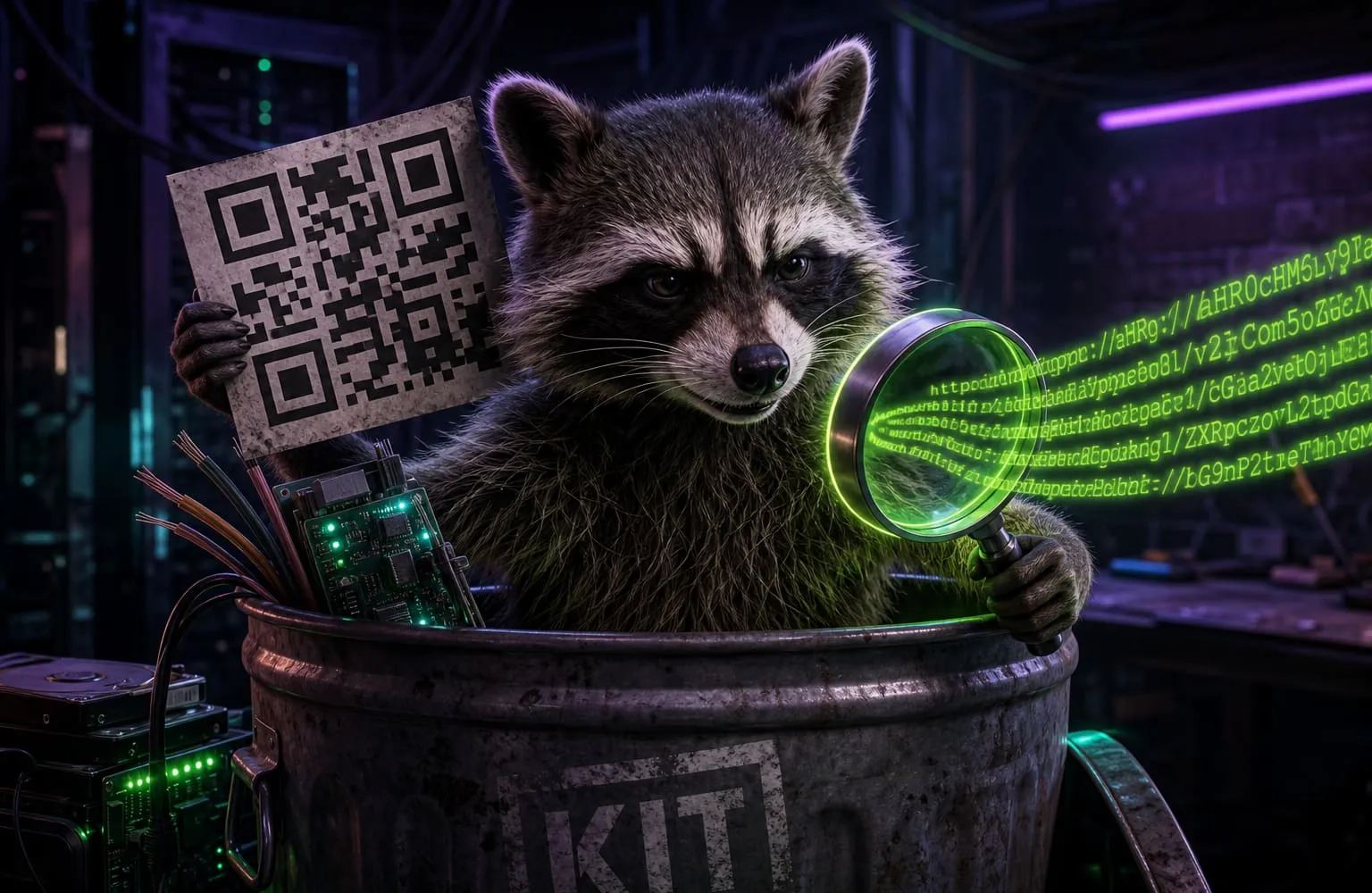
A QR code is not a portal. It is a string. URL, Wi-Fi password, phone number, vCard, or junk. Your camera app usually skips the string and opens the first thing that looks like a link.
That is the whole trick in a parking-lot sticker, a fake restaurant menu, or a “free QR generator” that wrapped your URL in their short link. You cannot see the host until something has already fetched it.
What “read a QR” should mean
Decode the pixels. Print the payload. Stop.
The QR reader does that in this tab. Drop a photo of the square, paste one, or use the camera. We label the type:
- Link — scheme, host, path. Shorteners, raw IPs,
http, and punycode get a warning - Email / phone / SMS — who it would message
- Wi-Fi — network name and the password sitting in the square
- Contact / event / geo — the fields in the card
- Plain text — whatever did not match a known scheme
The exact string is always there, under the formatted fields. Copy it. We do not navigate for you.
What we will not pretend to do
We do not send the URL to VirusTotal. We do not follow bit.ly to see the final page. That hop would tell the shortener you checked the code, and it would leave this tab.
If the QR only holds a short link, that is the honest answer: the real destination is not in the square. The shortener decides when you open it.
Local tells we can print without leaving: http instead of https, a raw IP, xn-- punycode, a username in the URL, a javascript: or data: scheme. Those are in the text. A clean https://paypal.com lookalike that is actually another domain is a host you have to read with your eyes.
Why a random “QR scanner” site is the wrong tool
A lot of scanners upload the picture “to analyze it.” Some open the link in their own webview. Some are the same companies that sell dynamic QR tracking. You wanted to see a string. They wanted a copy of the file.
This page decodes with the browser. Close the tab and the picture is gone.
How to make a square that does not phone home: static vs dynamic QR. The same “show it, don’t send it” habit as what websites know.