
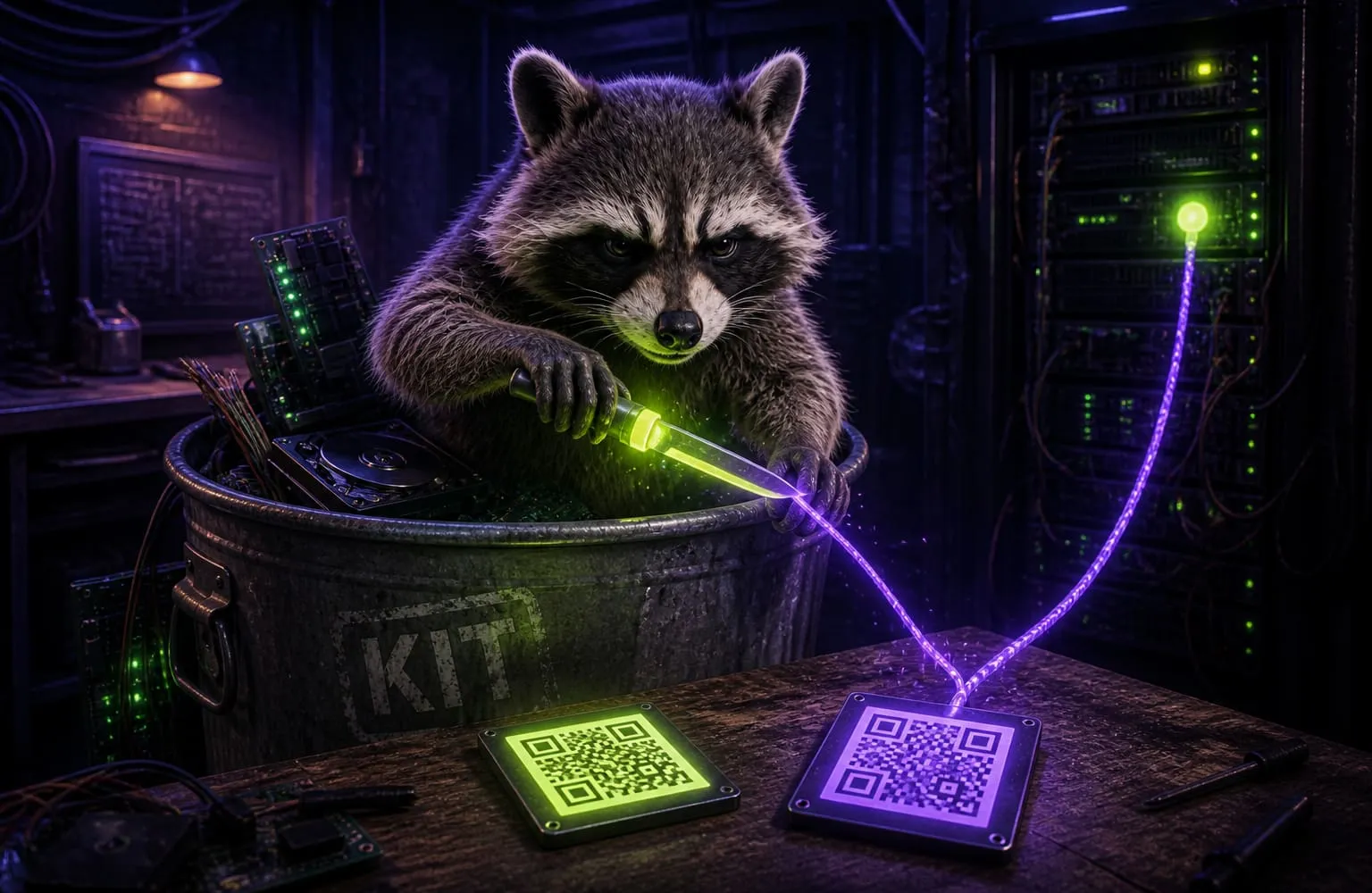
Two squares can look the same. One contains https://your-site.com/menu. The other contains https://qrco.de/ab12x. Scan both. Only one of those hosts sees that you scanned.
Static
The payload is the destination. Print it on a poster. The poster still works if the generator disappears. Nobody gets a scan ping unless you later open the URL yourself.
That is what the QR generator on this site writes. PNG or SVG. No account. No short link. After one visit it works offline.
Downside: you cannot change the URL later without printing a new square. If you typed a typo, the typo is in the paint.
Dynamic
The square points at the generator’s domain. They 302 you to the real page. They log time, device, city-from-IP. They can swap the landing page tomorrow.
That is why “free QR” sites push accounts and “scan analytics.” The product is not the square. The product is the redirect.
Useful for a campaign you will retarget. It is also a tracker you glued onto every table tent.
How to tell which one you have
Read it. Do not open it.
- Drop the PNG — or a photo of the print — on Read a QR.
- Look at the host.
- If the host is your site, it is static.
- If the host is the generator (
qrco.de,qr-code-generator.com, abit.ly, anything that is not the page you thought you encoded), it is a middleman.
We will flag common shorteners. We will not follow them. Following would be the leak.
Make one that stays quiet
Switch to Make a QR. Paste the real https URL, or a Wi-Fi / email / phone payload. Download the PNG. Put that file on the flyer.
If you need to change the destination later, change the page at your URL. Do not rent a redirect you do not control.
Inspect path: what’s actually in a QR code.