
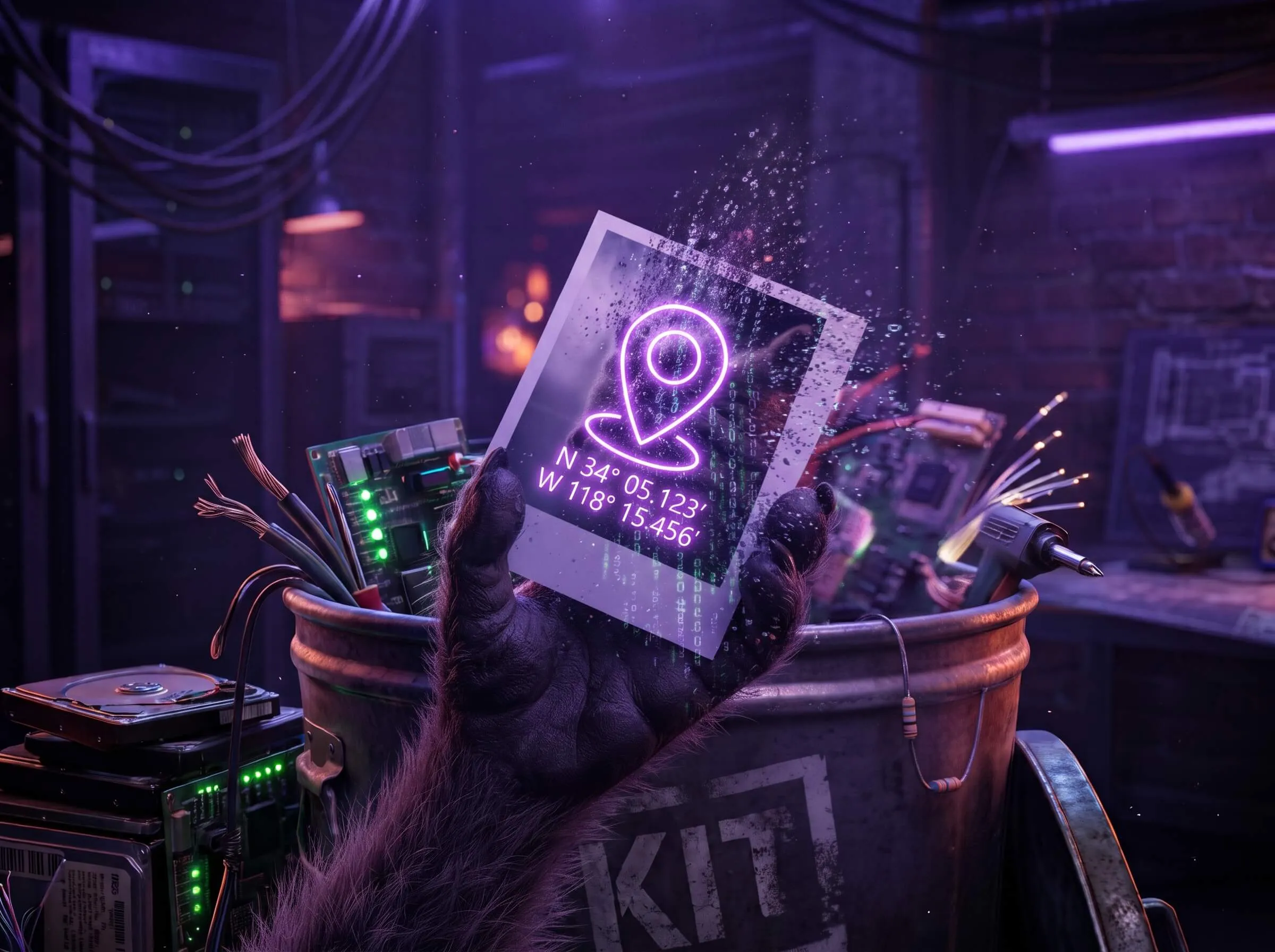
Most people search for “remove location from photo,” not “EXIF.” Same problem. Your phone writes extra data into the file when you take a picture. The picture looks the same. The file is not.
What is hiding in a photo
A typical camera-roll JPEG can include:
- GPS — latitude and longitude of where you were standing
- Timestamp — when the shutter fired, often to the second
- Camera and phone model — iPhone 15, Pixel, a specific lens
- Software — the editor or operating system that last saved it
- Thumbnail — a tiny embedded preview that can still show a crop you thought you deleted
That bundle is usually called EXIF. Photos can also carry IPTC and XMP blocks. A tool that only “clears location” in an app gallery sometimes leaves the rest in the actual file. The longer inventory is what data is stored in a photo you send.
Who actually sees it
Instagram, iMessage, and many share sheets strip or hide some of this. Email attachments, Slack, forums, listing sites, and “download original” links often do not. If someone can download the file, they can read the tags with a viewer.
Google Photos is a common trap: removing a location in the app does not always rewrite the camera-embedded GPS in the file you export.
How to strip it without uploading
The safest pattern is: process the file on your device, then share the cleaned copy.
On this site, Photo Location reads the GPS in this tab and can pin it on a map. Then Remove Photo Metadata re-saves a copy without the tags. Compress Images does the same wash if you also need the file smaller. Nothing is sent to TrashPandaKit servers.
If you want to verify afterward, drop the cleaned file back into the same tool. The list should be empty. iPhone originals: HEIC, AirDrop, and Google Photos. Listing and dating sends: what still leaks.
What we cannot promise
Re-encoding makes a new file. Pixels stay the same size; JPEG quality is slightly recompressed so the metadata containers are gone. That is the point — leftover EXIF segments cannot hide in a canvas export.
Screenshots are already clean. Screenshots of a photo are a blunt but valid fallback if you only need to share what is on screen.